
Smart Speakers and Privacy: What They Hear, What They Store, and What You Can Control

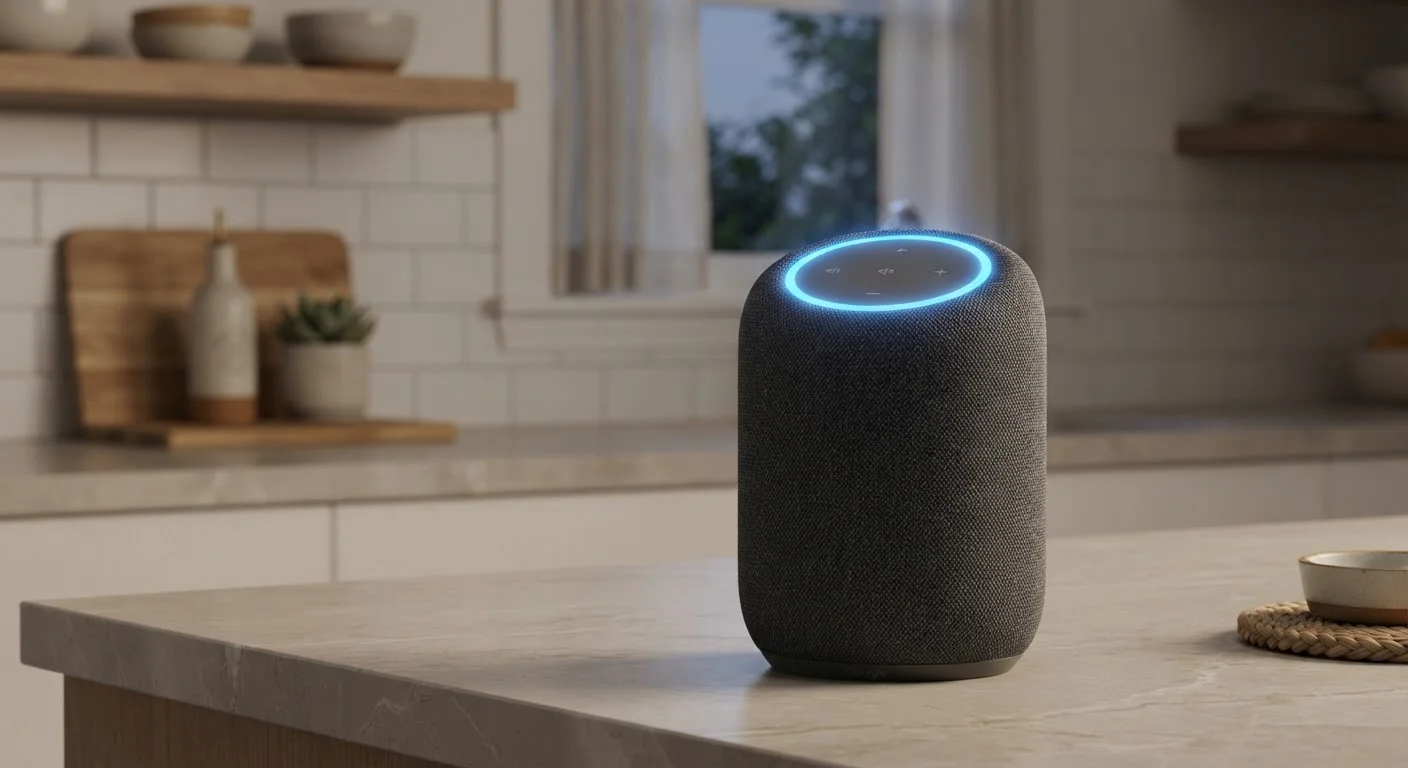
Photo: TargetReads.com | Explore Engaging Reads editorial
Key Takeaways
- Smart speakers listen continuously for a wake word but are designed to send audio to the cloud only after that trigger.
- False activations do happen, meaning short clips of unintended audio can occasionally be recorded and stored.
- Most platforms let you review, delete, and limit voice history through their companion apps or account settings.
- A physical microphone mute button is the most reliable way to prevent any audio from being captured.
- Understanding your device's privacy settings takes about ten minutes and meaningfully changes what data is retained.
Hands-free convenience for everyday tasks
Setting timers, checking weather, playing music, and controlling smart home devices without reaching for a phone is genuinely useful, especially when your hands are occupied.
Accessible interface for varied users
Voice control lowers the barrier for people who find touchscreens or keyboards difficult to use, including older adults or those with certain physical limitations.
Improving privacy controls over time
Under regulatory and public pressure, most major platforms have added auto-delete options, opt-outs for human review, and clearer data dashboards in recent years.
Physical mute provides a reliable opt-out
A hardware mute switch cuts microphone power at the circuit level, giving users a definitive way to prevent any audio capture when desired.
False activations capture unintended audio
Background noise or similar-sounding words can trigger recording without the user's knowledge, resulting in private conversation fragments being stored on remote servers.
Default settings favor data retention
Many platforms store voice recordings indefinitely and enable human review by default — users must actively change these settings to limit data accumulation.
Cloud dependency creates third-party exposure
Voice data processed on manufacturer servers is subject to that company's security practices, legal obligations, and potential data breaches — factors outside the user's control.
Difficult to verify what is actually collected
Users rely on manufacturer disclosures to understand data practices; independent verification of what audio is truly sent or retained is not practical for most consumers.
How Smart Speakers Actually Listen
Smart speakers use a small, always-on processor dedicated to recognizing a specific wake word — phrases like "Hey " or "OK ." This local chip listens continuously but is engineered to not send anything to the cloud until it detects that trigger. Once activated, the device records your spoken request, transmits it to the manufacturer's servers for processing, and returns a response.
The distinction between passive listening and active recording matters. In passive mode, audio is processed locally and discarded in milliseconds. In active mode — after a wake word — a clip is typically sent to and stored on remote servers. That stored clip is what most privacy concerns center on.
To understand how this fits into a broader connected home, see what "smart" actually means in a connected device.
The Real Risk: False Activations
No wake-word detection system is perfect. Background TV dialogue, similar-sounding words in conversation, or overlapping speech can trigger the device unintentionally. When that happens, a short audio clip — potentially capturing private conversation — gets recorded and stored, often without the user realizing it.
Manufacturers acknowledge this and most offer logs in their companion apps where you can listen to past recordings. Reviewing these occasionally is a useful exercise: many users are surprised by how often their device activated when they didn't intend it to.
~19%
False activation rate in independent lab tests
Research from Northeastern University found smart speakers activated unintentionally in roughly 1 in 5 tested interactions under realistic home noise conditions.
1,000+
Voice clips reviewed daily by human contractors
Investigative reporting by Bloomberg in 2019 revealed that thousands of recordings per day were being transcribed by human workers at major platforms, prompting widespread policy changes.
The clips captured during false activations are generally brief and fragmentary, but they are real data that resides on a company's servers unless you actively delete them.
What Gets Stored — and for How Long
After processing a voice command, platforms typically store the audio clip and a text transcript linked to your account. Default retention periods vary: some platforms keep recordings indefinitely unless you change settings, while others apply automatic deletion windows (such as three or eighteen months). The specifics depend on the platform and how your account is configured.
Human Review of Voice Recordings
Voice data may also be reviewed by human contractors as part of quality assurance programs — a practice several major platforms disclosed only after press investigations. Most now offer an opt-out for human review, though it may not be enabled by default.
For parallel context on how apps request similar access to your microphone, understanding app permissions on your phone is worth reading alongside this.
Pros and Cons of Keeping a Smart Speaker in Your Home
Smart speakers deliver real utility — but that utility involves a genuine trade-off. Here's an honest breakdown:
Hands-free convenience for everyday tasks
Setting timers, checking weather, playing music, and controlling smart home devices without reaching for a phone is genuinely useful, especially when your hands are occupied.
Accessible interface for varied users
Voice control lowers the barrier for people who find touchscreens or keyboards difficult to use, including older adults or those with certain physical limitations.
Improving privacy controls over time
Under regulatory and public pressure, most major platforms have added auto-delete options, opt-outs for human review, and clearer data dashboards in recent years.
Physical mute provides a reliable opt-out
A hardware mute switch cuts microphone power at the circuit level, giving users a definitive way to prevent any audio capture when desired.
False activations capture unintended audio
Background noise or similar-sounding words can trigger recording without the user's knowledge, resulting in private conversation fragments being stored on remote servers.
Default settings favor data retention
Many platforms store voice recordings indefinitely and enable human review by default — users must actively change these settings to limit data accumulation.
Cloud dependency creates third-party exposure
Voice data processed on manufacturer servers is subject to that company's security practices, legal obligations, and potential data breaches — factors outside the user's control.
Difficult to verify what is actually collected
Users rely on manufacturer disclosures to understand data practices; independent verification of what audio is truly sent or retained is not practical for most consumers.
Settings That Actually Change Your Privacy Exposure
The good news is that most platforms have expanded user controls meaningfully in recent years. These settings are worth locating in your account or companion app:
- Voice history deletion: Manually delete past recordings, or set an automatic deletion schedule (three months is a reasonable middle ground).
- Opt out of human review: Most platforms now allow this; it means your clips are processed only by automated systems.
- Disable personalized results: Prevents your voice history from being used to tailor responses or improve your profile.
- Physical mute button: Cuts power to the microphone at the hardware level — the most reliable option when you want complete silence.
For a broader look at protecting all your connected devices, keeping your devices secure without a cybersecurity background covers practical steps that apply across your home network.
This article is for informational purposes only. Privacy policies and platform settings change over time — always verify current options directly within your device's companion app or account dashboard.
The content on this site is for informational purposes only and is not a substitute for professional advice. Always consult a qualified professional for guidance specific to your situation.