
Data Caps Explained: What They Are and How They Affect Your Usage

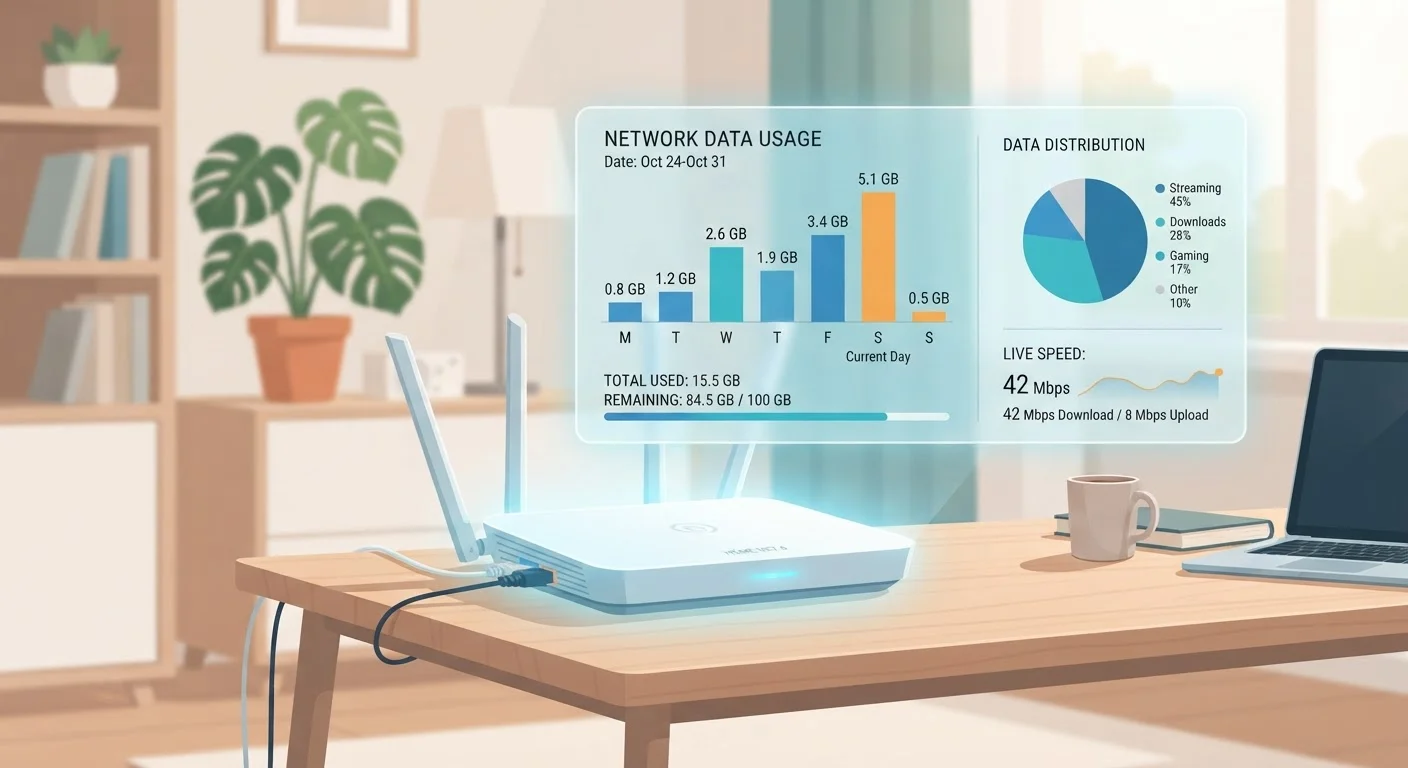
Photo: TargetReads.com | Explore Engaging Reads editorial
Key Takeaways
- Data caps limit how much internet data your household can use per billing period, typically one month.
- Streaming video, video calls, and large file downloads consume data the fastest.
- Exceeding a cap can trigger throttling, overage fees, or both, depending on your plan.
- Fiber and some cable plans offer unlimited data, while satellite and DSL plans are more likely to impose caps.
- Monitoring your monthly usage through your ISP's app or dashboard helps you avoid surprise charges.
How Data Caps Work in Practice
Every time you stream a show, join a video call, or back up photos to the cloud, your home internet connection transfers data. A data cap is simply a ceiling on how much data can transfer in a single billing period — usually 30 days. When you cross that ceiling, your ISP takes action.
The two most common consequences are speed throttling — where your connection is slowed to a fraction of its normal pace for the rest of the month — and overage charges, which add a fee (often per additional 50 GB block) to your bill. Some providers do both. A smaller number of ISPs send alerts at 75% and 90% usage so you have time to adjust habits before hitting the limit.
Data caps are measured in gigabytes (GB) or terabytes (TB). One terabyte equals 1,000 gigabytes. A plan advertising a "1 TB data cap" gives your household 1,000 GB before any penalties apply. To put that in perspective, streaming an hour of HD video typically uses 3–4 GB, while a 4K hour can consume 7 GB or more.
1.2 TB
Common monthly cap on major cable plans
Several large U.S. cable ISPs apply a 1.2 terabyte monthly data cap on standard residential tiers, with overage fees charged per additional block.
7+ GB
Data used per hour of 4K streaming
Streaming video at 4K resolution is one of the heaviest household data activities, according to estimates from major streaming platform documentation.
50–100 GB
Typical size of a single game download or update
Modern console and PC game titles, along with their patches, can rival an entire week of HD streaming in a single download event.
What Uses the Most Data at Home
Most households don't think about data consumption until they're close to their cap. Understanding which activities are the heaviest users helps you prioritize. Here's a general breakdown:
- Video streaming — The single largest driver of household data use. Resolution matters enormously: SD uses around 1 GB/hour, HD 3–4 GB/hour, and 4K up to 7 GB/hour or more.
- Video calls — A one-hour HD video call typically uses 1–2 GB depending on the platform and quality setting.
- Online gaming — Active gameplay uses surprisingly little data (often under 1 GB/hour), but game downloads and updates can be enormous — sometimes 50–100 GB per title.
- Cloud backups and syncing — Automatic photo and file syncing runs quietly in the background. Learn how cloud storage and syncing actually consume data to understand what's happening behind the scenes.
- Smart home devices — Individually small, but a home full of cameras, speakers, and sensors adds up over a month.
Check Your Streaming App's Data Settings
Which Plans Are Most Likely to Have Caps
Not all internet technologies treat data the same way. Different connection types carry different cap policies, and knowing yours helps you set realistic expectations.
Satellite internet is the most cap-constrained technology. Because bandwidth is shared across a large geographic area via a satellite in orbit, providers typically enforce strict monthly limits and deprioritize heavy users more aggressively than other technologies.
Fixed wireless (which delivers internet via radio signals from a nearby tower) also commonly imposes data caps, though limits have grown as the technology has matured.
DSL plans often carry caps at lower thresholds than cable, partly because the underlying infrastructure has more constrained capacity.
Cable plans vary widely. Some major cable ISPs enforce caps of around 1.2 TB per month on standard tiers, while others have moved to unlimited plans — often as a paid add-on.
Fiber plans are the most likely to be genuinely unlimited, though this can depend on the provider and region.
"Unlimited" Plans: Read the Fine Print
How to Monitor and Manage Your Data Usage
The most reliable way to stay under your cap is to know where you stand throughout the month. Most ISPs provide a usage dashboard in their web portal or mobile app that shows your current cycle consumption and your monthly allowance. Set a personal reminder to check mid-cycle — by then you'll have a clear sense of whether you're on pace to exceed the limit.
Beyond monitoring, a few practical habits can reduce unnecessary data use:
- Lower the streaming quality setting in video apps when watching on a small screen — the visual difference on a phone or tablet is minimal, but the data savings are significant.
- Schedule large downloads (game updates, system backups) for off-peak hours when your household is asleep, rather than running them during peak streaming time.
- Check whether your ISP offers an "unlimited" add-on. For heavy-use households, the monthly cost of that upgrade may be less than typical overage charges.
- Understand the relationship between speed and data: a faster plan doesn't reduce how much data you use — it just moves that data more quickly. Common speed misconceptions can lead to paying for plans that don't solve the actual problem.
“Consumers often don't discover they have a data cap until they exceed it. Transparency in how ISPs communicate these limits — and the consequences of hitting them — is essential for informed decision-making.”
— Federal Communications Commission, U.S. regulatory body for communications and broadband policy
Frequently Asked Questions
The content on this site is for informational purposes only and is not a substitute for professional advice. Always consult a qualified professional for guidance specific to your situation.