
The Trade-offs of Using Your Phone as a Mobile Hotspot

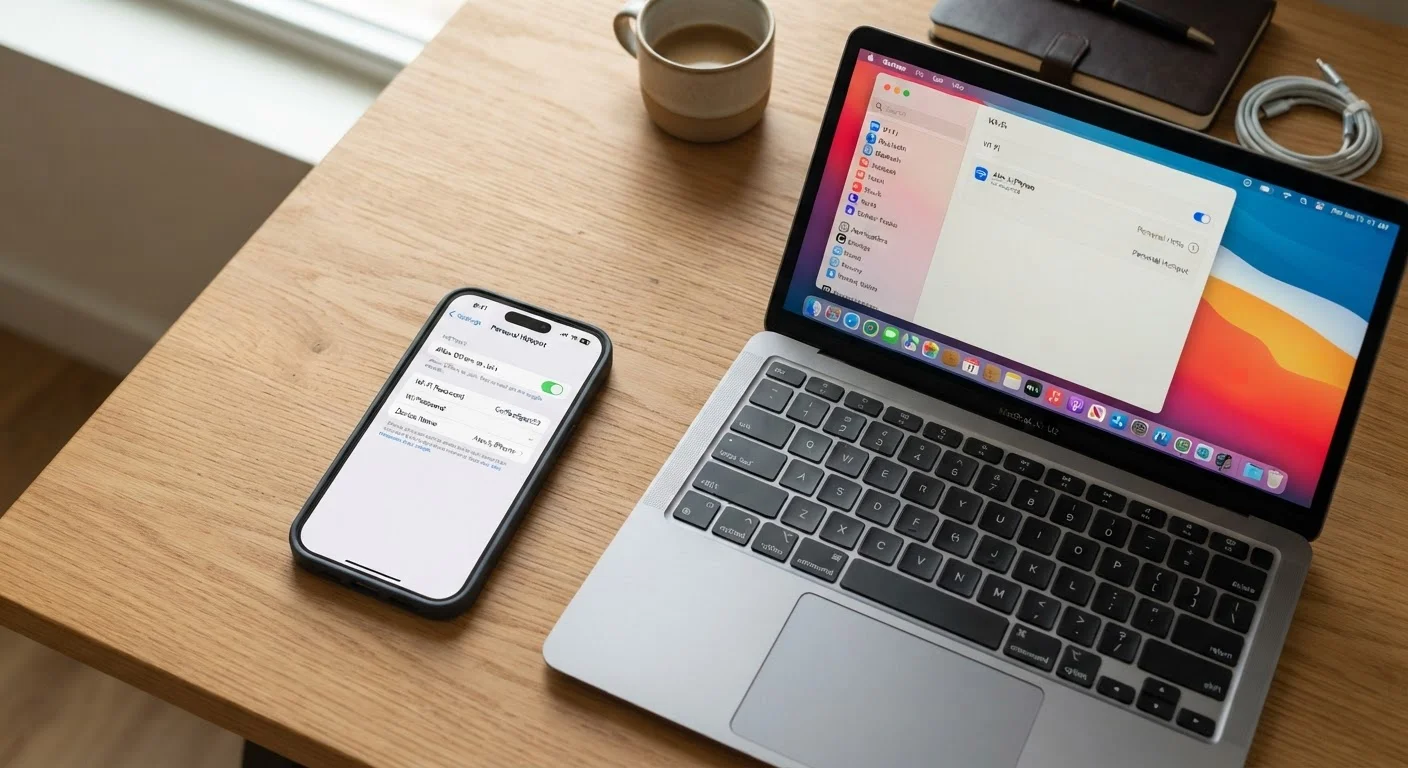
Photo: TargetReads.com | Explore Engaging Reads editorial
Key Takeaways
- Mobile hotspots offer genuine flexibility for remote work and travel without needing separate hardware.
- Hotspot use can drain your phone battery significantly faster than normal use.
- Many carrier plans cap hotspot data speeds after a threshold, even on unlimited plans.
- Security risks exist on hotspots but can be reduced with a strong password and WPA2/WPA3 encryption.
- Hotspot performance depends heavily on your phone's cellular signal strength in any given location.
No extra hardware or separate device needed
As long as your carrier plan includes hotspot data, you can share your connection without purchasing a dedicated mobile Wi-Fi device, saving both money and bag space.
Works anywhere you have cellular signal
Unlike fixed broadband, a hotspot travels with you — useful during commutes, at hotels, or in locations where public Wi-Fi is unavailable or unreliable.
More private than public Wi-Fi networks
Connecting through your own secured hotspot reduces exposure to the snooping risks associated with open public networks in airports, cafes, and hotels.
Quick to set up with no configuration required
Enabling a hotspot typically takes less than a minute and requires no router, cables, or network credentials beyond your phone's own password.
Useful as an emergency backup connection
When your home broadband goes down, a hotspot can bridge the gap for essential tasks like video calls or remote work without requiring a service call.
Significantly accelerates battery drain
Running a hotspot keeps multiple radios active at once, causing some phones to lose 20–40% of their battery per hour under moderate load — faster than almost any other use case.
Data is shared with your monthly plan allowance
Hotspot data comes out of the same pool as your phone's own usage, and carriers often throttle hotspot speeds specifically after a monthly threshold, even on unlimited plans.
Speed is limited by cellular signal quality
In areas with weak 4G LTE or patchy 5G coverage, hotspot speeds can drop to levels unsuitable for video calls or streaming, with no way to improve the signal without moving.
Generates heat that may affect phone components
Sustained hotspot use can cause phones to run warm, which may trigger automatic performance throttling and, over time, contribute to battery wear.
Not all carrier plans include hotspot access
Some entry-level or prepaid plans exclude hotspot tethering entirely, or charge an additional monthly fee to enable it — making it important to verify your plan's terms.
Performance degrades with multiple connected devices
A hotspot's bandwidth is divided among every connected device, so sharing with two or three devices simultaneously can noticeably reduce speed for each one.
What Mobile Hotspot Actually Does
When you enable the mobile hotspot feature on your smartphone — sometimes called tethering — your phone converts its cellular data signal into a local Wi-Fi network that other devices can join. Laptops, tablets, and even smart TVs can connect to it just as they would to a home router.
The key difference is that the internet connection behind that network comes from your carrier's cellular infrastructure, not a cable or fiber line. That means your experience depends entirely on the cellular signal where you are and the data plan you're subscribed to. For a deeper look at how connection speeds work in practice, see our guide to internet speed myths.
Hotspot vs. Tethering: Are They the Same?
The Advantages of Hotspot Connectivity
Mobile hotspots solve a real problem: getting online when you're away from reliable Wi-Fi. Here's where they genuinely shine.
No extra hardware or separate device needed
As long as your carrier plan includes hotspot data, you can share your connection without purchasing a dedicated mobile Wi-Fi device, saving both money and bag space.
Works anywhere you have cellular signal
Unlike fixed broadband, a hotspot travels with you — useful during commutes, at hotels, or in locations where public Wi-Fi is unavailable or unreliable.
More private than public Wi-Fi networks
Connecting through your own secured hotspot reduces exposure to the snooping risks associated with open public networks in airports, cafes, and hotels.
Quick to set up with no configuration required
Enabling a hotspot typically takes less than a minute and requires no router, cables, or network credentials beyond your phone's own password.
Useful as an emergency backup connection
When your home broadband goes down, a hotspot can bridge the gap for essential tasks like video calls or remote work without requiring a service call.
Beyond portability, hotspots also reduce your exposure to the risks of public Wi-Fi networks found in coffee shops and airports, since you're connecting through your own secured network rather than a shared one. They also eliminate the need to purchase a separate mobile Wi-Fi device if your carrier plan already includes hotspot data.
The Disadvantages You Should Plan Around
The convenience of hotspot use comes with a set of trade-offs that can catch people off guard, particularly if they rely on it regularly.
Significantly accelerates battery drain
Running a hotspot keeps multiple radios active at once, causing some phones to lose 20–40% of their battery per hour under moderate load — faster than almost any other use case.
Data is shared with your monthly plan allowance
Hotspot data comes out of the same pool as your phone's own usage, and carriers often throttle hotspot speeds specifically after a monthly threshold, even on unlimited plans.
Speed is limited by cellular signal quality
In areas with weak 4G LTE or patchy 5G coverage, hotspot speeds can drop to levels unsuitable for video calls or streaming, with no way to improve the signal without moving.
Generates heat that may affect phone components
Sustained hotspot use can cause phones to run warm, which may trigger automatic performance throttling and, over time, contribute to battery wear.
Not all carrier plans include hotspot access
Some entry-level or prepaid plans exclude hotspot tethering entirely, or charge an additional monthly fee to enable it — making it important to verify your plan's terms.
Performance degrades with multiple connected devices
A hotspot's bandwidth is divided among every connected device, so sharing with two or three devices simultaneously can noticeably reduce speed for each one.
Battery drain is often the most immediate issue users notice. Running a hotspot keeps your phone's cellular radio and Wi-Fi antenna active simultaneously, which accelerates power consumption considerably. If you're relying on hotspot connectivity for an extended work session, understanding how fast charging works can help you recover battery life more efficiently during breaks.
Data throttling is the other major friction point. Many carriers advertise "unlimited" plans but include language allowing them to slow hotspot speeds — sometimes to 600 Kbps — after a set monthly threshold. That's fast enough for basic browsing but not for video calls or large file transfers.
600 Kbps
Typical throttled hotspot speed on many unlimited plans
Many major U.S. carriers publicly disclose in their plan terms that hotspot data may be slowed to around 600 Kbps after a monthly threshold is reached.
~30%
Estimated additional battery drain per hour during hotspot use
Independent device testing has consistently shown that hotspot usage drains smartphone batteries significantly faster than video streaming or web browsing alone.
How to Get the Most Out of Hotspot Use
If you're going to use your phone as a hotspot regularly, a few practices can help reduce the downsides:
- Use WPA2 or WPA3 encryption and set a strong, unique password. Most modern phones default to this, but it's worth confirming in your hotspot settings.
- Connect only the devices you actually need. Each connected device adds load and increases battery drain and data consumption.
- Monitor your data usage through your carrier's app to avoid unexpected throttling or overage charges.
- Keep your phone plugged in when stationary — hotspot use drains the battery quickly enough that a power source makes a meaningful difference.
- Check your carrier plan details before assuming hotspot is included. Some plans charge extra for tethering or cap it at a lower tier.
Making informed decisions about connectivity tools — like hotspots — follows the same logic as evaluating any other trade-off-heavy tool. For example, our breakdown of budgeting apps applies similar balanced reasoning to financial tools that promise convenience but come with hidden friction.
The content on this site is for informational purposes only and is not a substitute for professional advice. Always consult a qualified professional for guidance specific to your situation.