
The Case For and Against Budgeting Apps

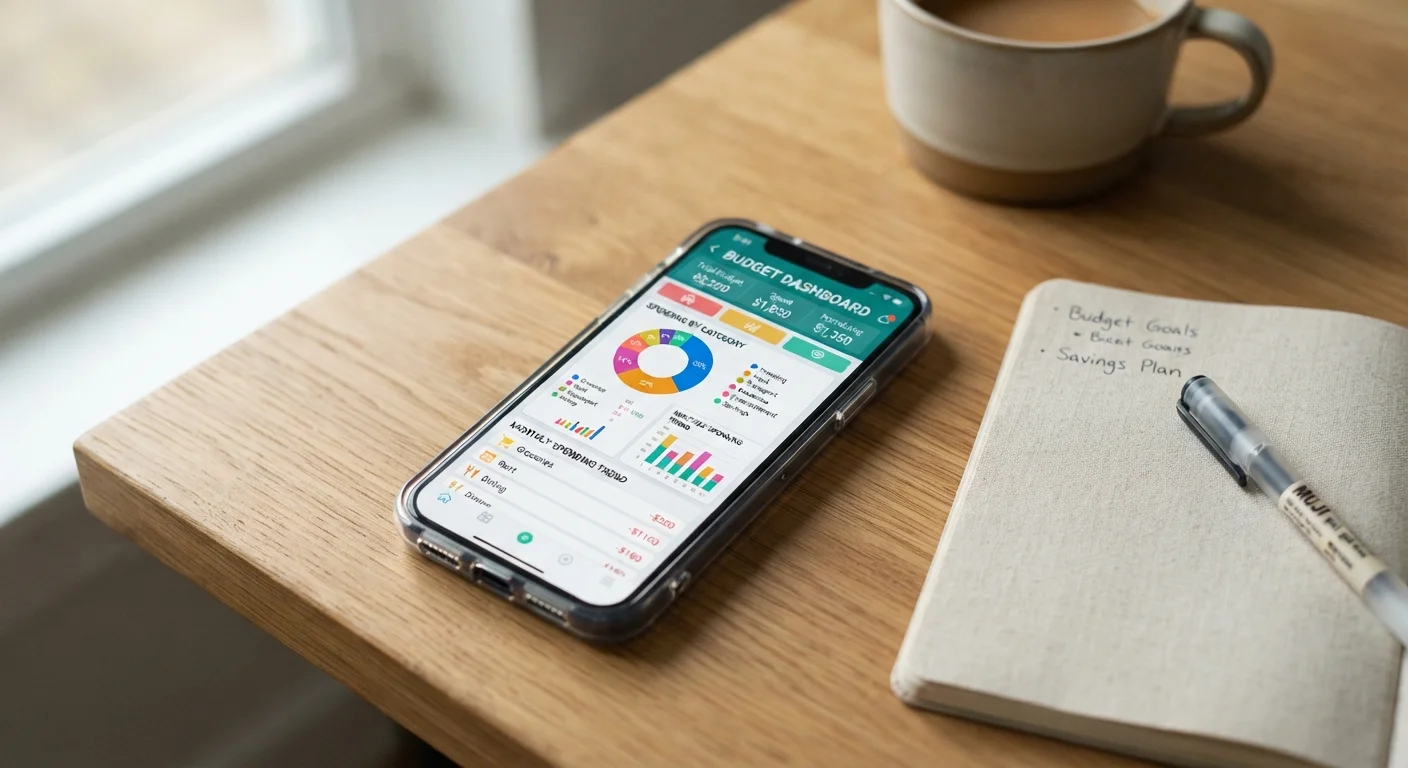
Photo: TargetReads.com | Explore Engaging Reads editorial
Key Takeaways
- Budgeting apps automate transaction tracking, reducing the manual effort of recording every expense.
- Connecting bank accounts to third-party apps introduces real data privacy and security considerations.
- Apps work best as a complement to financial awareness, not a substitute for it.
- Some people find manual tracking methods more effective for building lasting money habits.
- A free or low-cost app can be a reasonable starting point, but subscription fees add up over time.
Automates transaction tracking across accounts
Rather than recording every purchase manually, linked apps pull in transactions in near-real time, giving users a consolidated view of their spending without significant ongoing effort.
Visualizes spending patterns clearly
Charts and category breakdowns can surface patterns that are easy to miss in raw bank statements, helping users identify where their money actually goes versus where they think it goes.
Sets up alerts and bill reminders
Many apps notify users when they approach a spending limit or when a recurring bill is due, reducing the risk of overdrafts or missed payments.
Consolidates multiple accounts in one place
For people with checking accounts, savings accounts, and credit cards at different institutions, a single dashboard view can simplify financial oversight considerably.
Lowers the barrier to getting started
A free app with a guided setup can make budgeting feel accessible to people who find blank spreadsheets intimidating or who have never tracked spending before.
Frequent transaction miscategorization
Automated sorting is imperfect — transactions from multi-department retailers, small businesses, or unusual vendors often land in the wrong category, requiring regular manual correction to keep data meaningful.
Data privacy trade-offs are real
Connecting bank accounts to a third-party platform means your transaction history, balances, and merchant data are stored outside your bank's systems, subject to the app company's own privacy practices.
High abandonment rate over time
Studies on personal finance app usage consistently find that a large share of users stop engaging within weeks of downloading, meaning the tool often fails to produce lasting behavioral change.
Subscription costs can offset perceived savings
Premium budgeting apps often charge annual fees that, for occasional or passive users, may cost more than the financial benefit they deliver in better spending decisions.
May reduce active financial engagement
Automation can create a false sense of being "on top of finances" without the reflective engagement that actually changes spending habits — the data is present, but the thinking may not be.
What Budgeting Apps Actually Do
Budgeting apps are software tools — typically available on smartphones and desktops — designed to help users monitor income, categorize spending, and set financial goals. Most work by connecting directly to bank accounts, credit cards, and loan accounts through a process called account aggregation. Once linked, the app pulls in transactions automatically and attempts to sort them into categories like groceries, utilities, or dining out.
Some apps also offer bill reminders, savings goal trackers, credit score monitoring, and net worth dashboards. Others focus more narrowly — some are built around the envelope budgeting method, while others use zero-based budgeting, where every dollar is assigned a purpose at the start of each month.
Understanding what a specific app actually does — and doesn't do — before downloading is essential. Features vary considerably, and many apps monetize through premium subscriptions or by surfacing financial product offers within the interface.
Automates transaction tracking across accounts
Rather than recording every purchase manually, linked apps pull in transactions in near-real time, giving users a consolidated view of their spending without significant ongoing effort.
Visualizes spending patterns clearly
Charts and category breakdowns can surface patterns that are easy to miss in raw bank statements, helping users identify where their money actually goes versus where they think it goes.
Sets up alerts and bill reminders
Many apps notify users when they approach a spending limit or when a recurring bill is due, reducing the risk of overdrafts or missed payments.
Consolidates multiple accounts in one place
For people with checking accounts, savings accounts, and credit cards at different institutions, a single dashboard view can simplify financial oversight considerably.
Lowers the barrier to getting started
A free app with a guided setup can make budgeting feel accessible to people who find blank spreadsheets intimidating or who have never tracked spending before.
Where Budgeting Apps Fall Short
The limitations of budgeting apps are often underappreciated, particularly by people who are new to personal finance tools. The most fundamental issue is the gap between having data and using it. An app can show you exactly how much you spent on takeout last month, but it cannot prompt you to change the behavior that drove that spending.
Miscategorization is also a persistent friction point. Automated systems frequently mislabel transactions — a purchase at a store that sells both groceries and electronics, for instance, might land in the wrong bucket repeatedly. Correcting these errors manually can become tedious, which is one reason apps tend to collect dust after the initial enthusiasm fades.
Privacy is a more serious concern. Linking a bank account to a third-party app means sharing your financial data with that company's systems, partners, and data practices. Readers should review an app's privacy policy and understand how their data may be stored, shared, or used before connecting any accounts.
Frequent transaction miscategorization
Automated sorting is imperfect — transactions from multi-department retailers, small businesses, or unusual vendors often land in the wrong category, requiring regular manual correction to keep data meaningful.
Data privacy trade-offs are real
Connecting bank accounts to a third-party platform means your transaction history, balances, and merchant data are stored outside your bank's systems, subject to the app company's own privacy practices.
High abandonment rate over time
Studies on personal finance app usage consistently find that a large share of users stop engaging within weeks of downloading, meaning the tool often fails to produce lasting behavioral change.
Subscription costs can offset perceived savings
Premium budgeting apps often charge annual fees that, for occasional or passive users, may cost more than the financial benefit they deliver in better spending decisions.
May reduce active financial engagement
Automation can create a false sense of being "on top of finances" without the reflective engagement that actually changes spending habits — the data is present, but the thinking may not be.
The Privacy and Security Question
When you authorize a budgeting app to access your accounts, you are typically granting it read-only access through a data aggregation service. This means the app can view transactions but, in most standard configurations, cannot move money. However, "read-only" does not mean risk-free. Your financial data — including merchant names, transaction amounts, and account balances — is being stored and processed outside your bank's infrastructure.
What 'Read-Only' Access Actually Means
It is worth asking a few questions before linking accounts: Does the app sell or share anonymized user data? What happens to your data if the company is acquired or shuts down? Is two-factor authentication available and enabled? These are not reasons to avoid apps categorically, but they are reasonable due diligence steps for any tool that holds sensitive financial information.
Apps vs. Other Tracking Methods
Budgeting apps are one approach among several. Manual and hybrid tracking methods — such as spreadsheets, paper ledgers, or the envelope system — require more effort but can build stronger financial habits precisely because they force active engagement with every number.
Research in behavioral finance consistently suggests that friction can be useful: when people have to deliberately record a purchase, they are more likely to reflect on it. Apps that remove all friction may, for some users, also remove the awareness that makes budgeting effective in the first place.
~33%
Adults who use a budgeting app regularly
Survey data from various financial literacy organizations suggests roughly one in three American adults report using a budgeting or money management app on a consistent basis.
Weeks
Typical active-use window before abandonment
Mobile app retention research broadly finds that most personal finance apps lose the majority of their active users within the first few weeks after download.
If you are new to budgeting entirely, building your first monthly budget from scratch with a simple structure — before adding any technology layer — can help you understand your spending patterns without depending on an app to surface them.
Making an Honest Decision
Whether a budgeting app adds value depends on how you actually engage with money. Some people check their app daily and find that real-time visibility keeps them accountable. Others download, link their accounts, and never open it again. Neither outcome is a character flaw — it reflects whether the tool fits the habit, not the other way around.
Cost is also worth factoring in. Several apps charge annual or monthly subscription fees that, depending on what you actually use, could represent a meaningful recurring expense. As a category, these charges are worth auditing periodically — the same way you might review subscription app creep across your digital services.
A good starting point is to decide what specific problem you want a budgeting tool to solve — then evaluate whether an app is genuinely the right solution, or whether a simpler system might serve you better. The habits that make budgets stick tend to be behavioral, not technological.
This article is for general informational purposes only and does not constitute personalized financial advice. Consult a qualified financial professional for guidance specific to your circumstances.
The content on this site is for informational purposes only and is not a substitute for professional advice. Always consult a qualified professional for guidance specific to your situation.