
Free vs. Paid App Tiers: What You Typically Give Up and What You Actually Get

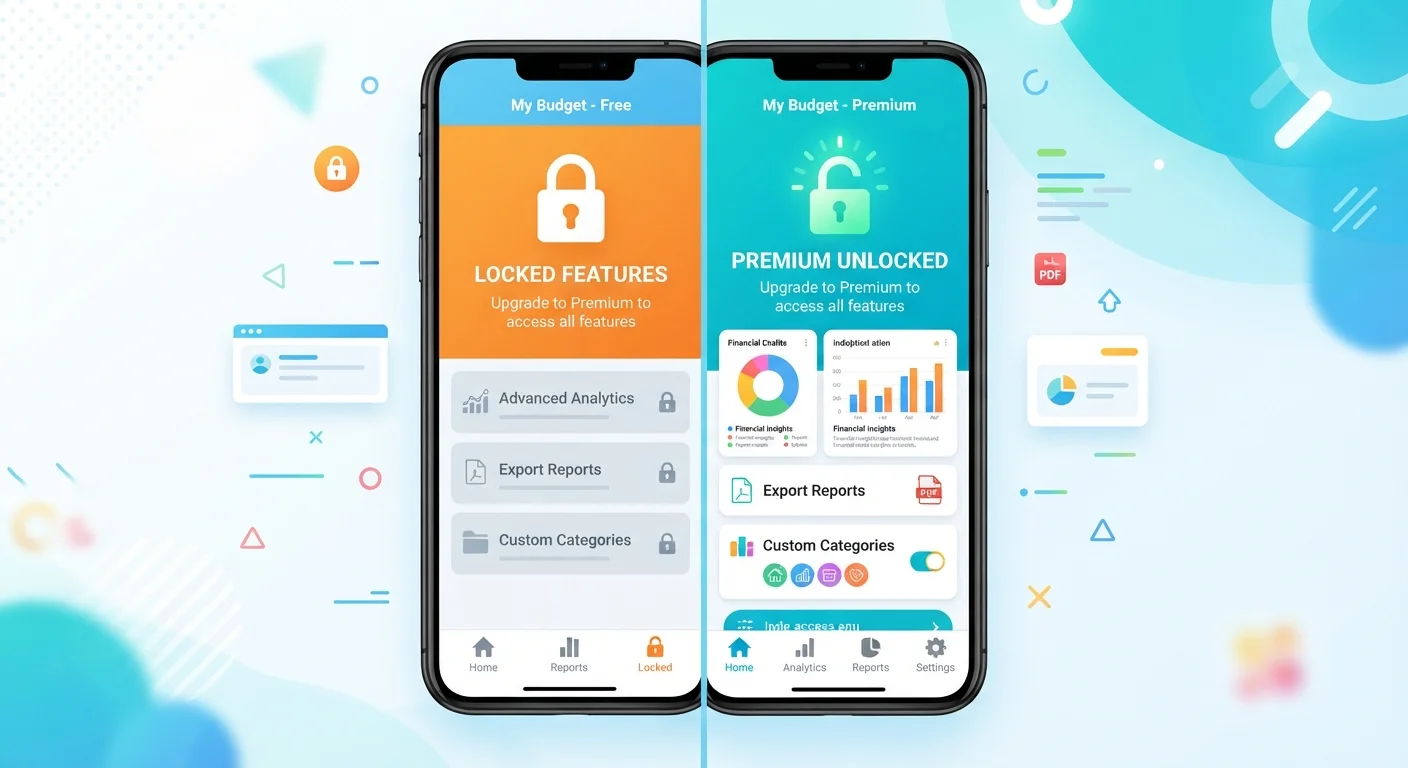
Photo: TargetReads.com | Explore Engaging Reads editorial
Key Takeaways
- Free app tiers are fully functional for many users but often come with ads, usage caps, or missing features.
- Paid tiers typically offer ad removal, higher storage or usage limits, offline access, and priority support.
- Freemium models are designed to convert power users — casual users rarely need to upgrade.
- Subscription costs for multiple apps can add up quickly and should be reviewed periodically.
How Freemium Models Actually Work
The word freemium blends "free" and "premium" — and it describes one of the most common business models in the app economy. A developer offers a baseline version of their app at no cost, then charges a monthly or annual fee to unlock additional capabilities. The logic is straightforward: get users hooked on the free version, then convert the most engaged ones into paying subscribers.
What separates free and paid tiers varies widely by app category. A note-taking app might cap the number of devices you can sync. A video editor might watermark every export. A budgeting tool might limit how many bank accounts you can connect. None of these restrictions are accidental — they're carefully chosen to frustrate the users most likely to get real value from the full product.
Understanding this dynamic helps you evaluate any upgrade offer with clearer eyes. The question isn't whether the paid tier is better (it almost always is), but whether your specific use runs into the free tier's limits often enough to justify the expense. For context on how app subscriptions can quietly pile up in your budget, see our guide on auditing forgotten app subscriptions.
What Free Tiers Commonly Restrict
While every app is different, certain restrictions appear repeatedly across free tiers:
Advertising is the most universal trade-off — free users generate revenue by seeing ads, so removing them is one of the most common paid perks. Storage and usage caps are the second most common lever, affecting everything from cloud storage allowances to the number of projects you can save. Offline access is frequently paywalled in streaming, productivity, and language-learning apps alike.
Worth noting: some restrictions affect data privacy, not just convenience. Free tiers in some apps fund themselves partly through data collection and targeted advertising. If you're curious about what information apps access on your device, our guide to app permissions breaks down what each type of access actually involves.
What Paid Tiers Typically Unlock
~5%
Freemium users who typically convert to paid
Industry analysis has broadly estimated that only around 2–5% of freemium app users convert to paid tiers, meaning free tiers serve the vast majority of the user base.
$240+
Average annual spend on app subscriptions per US user
Consumer research from multiple sources has suggested US smartphone users collectively spend hundreds of dollars yearly on app subscriptions, often without a clear audit of what they're using.
Beyond the obvious perks, paid tiers often include faster customer support response times, early access to new features, and in many productivity or finance apps, collaboration tools that let multiple people share a workspace. For apps where you're storing sensitive information — financial data, health records, or business documents — paid plans sometimes include stronger encryption or additional security controls.
It's also worth noting that paid subscribers tend to receive more stable experiences. Developers depend on subscription revenue, so paying users are typically the last to see features removed or degraded.
How to Decide Whether an Upgrade Is Worth It
Run through these practical questions before committing to a paid plan:
- Do I hit the free limit regularly? If you're bumping against a storage cap or usage quota every week, the friction is real. If you've never noticed a restriction, you probably don't need to pay.
- How central is this app to my daily routine? An app you open twice a month rarely justifies a subscription. One you use for work every day is a different calculation.
- Is the pricing annual or monthly — and can I cancel easily? Annual plans are often cheaper per month but lock you in. Monthly plans cost more overall but are easier to exit. Treat app subscriptions as fixed expenses in your budget once you commit.
- Does a free alternative exist? For many use cases, a competing app offers the same core features free without the same restrictions.
Annual Plans: Read the Fine Print
If you do upgrade, calendar a reminder to review whether you're still using the app before the next renewal date. The subscription audit checklist can help you spot charges you've forgotten about.
The content on this site is for informational purposes only and is not a substitute for professional advice. Always consult a qualified professional for guidance specific to your situation.