
Apps & Software

Subscription App Creep: Auditing the Digital Bills You Forgot You Were Paying

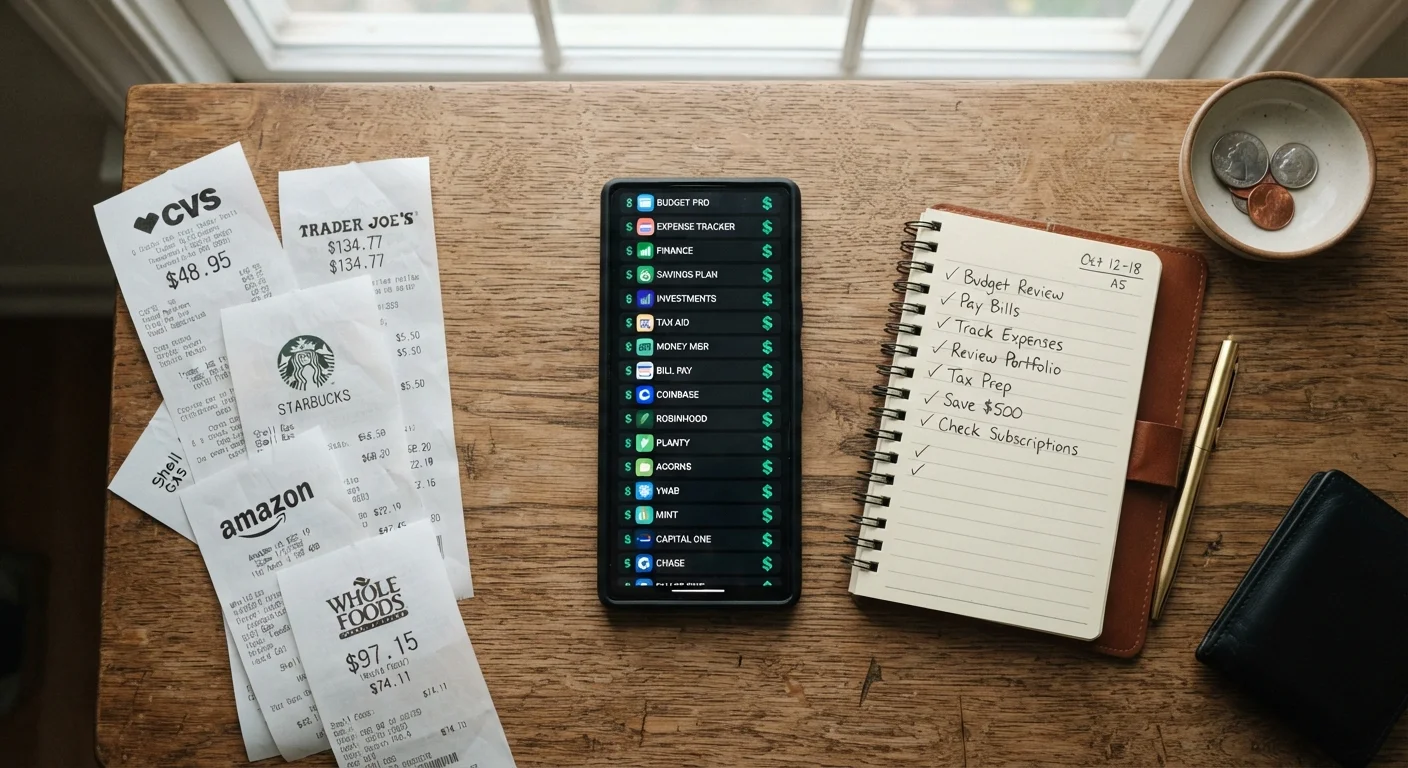
Subscription App Creep: Auditing the Digital Bills You Forgot You Were Paying

Photo: TargetReads.com | Explore Engaging Reads editorial

Use this checklist to surface forgotten app subscriptions, assess what you're actually using, and tidy up recurring charges.

Key Takeaways

  • Most people underestimate their monthly subscription spending by a significant margin.
  • Subscriptions billed annually are the easiest to forget because the charge only appears once a year.
  • App stores, bank statements, and email inboxes are the three best places to surface hidden charges.
  • Canceling unused subscriptions does not always stop the charge immediately — verify renewal dates.
  • Free trials that auto-convert to paid tiers are a leading source of forgotten recurring costs.

Why Subscription Creep Happens to Everyone

Subscription creep is the gradual accumulation of recurring charges — app subscriptions, streaming services, cloud storage tiers, software licenses — that build up quietly over months or years. Each individual charge feels minor. Collectively, they can amount to a meaningful slice of your monthly budget.

The mechanics are straightforward: a free trial ends, an annual plan renews, or a service you used once kept billing. Because modern billing is designed to be frictionless, there's rarely a moment that prompts you to notice. Unlike a one-time purchase, recurring charges don't ask for your attention again after the first sign-up.

This audit checklist helps you systematically locate every active subscription, evaluate whether it earns its keep, and take clear action on what doesn't. For a broader look at where your money goes each month, see the monthly budget review checklist.

Deleting an App Does Not Cancel Its Subscription

On both iOS and Android, uninstalling an app leaves any active subscription running. The charge will continue until you explicitly cancel through the App Store, Google Play, or the service's own account settings. Always verify cancellation through an official confirmation email or by checking your subscription list the following billing cycle.

What You'll Need Before You Start

Gather these resources before working through the checklist. Having everything in one place prevents you from stopping mid-audit and losing momentum.

Required

Bank and credit card statements (last 3 months)

Primary source for identifying recurring charges that may not appear in app store subscription lists.

Required

App store account (iOS App Store or Google Play)

Shows every active subscription billed through that platform, including renewal dates and amounts.

Required

Primary email inbox

Contains sign-up confirmations, receipts, and renewal notices that reveal subscriptions not caught by bank statements.

Optional

Spreadsheet or notes app

Used to build a running subscription log so you can track costs, renewal dates, and usage notes in one place.

Optional

Digital wallet account (PayPal, Apple Pay, etc.)

Hosts billing agreements that may fund subscriptions independently of your primary bank or card.

The Subscription Audit Checklist

Work through each group in order. The first groups focus on finding subscriptions; later groups help you evaluate and act on what you find. Check off items as you go — even partial completion will surface charges worth reconsidering.

Find Subscriptions via Your App Stores

Open the App Store (iOS) or Google Play (Android) and navigate to your account's subscription management screen to view every active and recently expired subscription billed through that store. Must
Screenshot or list every subscription shown, including its billing frequency (monthly or annual) and next renewal date. Must
Check any secondary Apple ID or Google account you use — subscriptions follow the account, not the device. Should
Review your Amazon account's "Memberships & Subscriptions" section if you use Amazon apps or Prime add-ons. Should

Find Subscriptions via Bank and Card Statements

Pull the last three months of statements from every bank account and credit card you use, and highlight every recurring charge — even familiar ones. Must
Search statement descriptions for keywords like "subscription," "monthly," "annual," ".io," and the names of common app categories (streaming, storage, productivity, fitness). Must
Flag any charge you cannot immediately identify and research it before deciding to dispute or cancel. Must
Check PayPal, Apple Pay, and any digital wallet for active billing agreements — these can host subscriptions independently of your bank. Should

Find Subscriptions via Your Email Inbox

Search your primary email inbox for phrases like "your subscription," "receipt for," "billing confirmation," and "trial ending" to surface sign-up and renewal emails. Must
Check any secondary or older email addresses you've used to sign up for apps — subscriptions and receipts often go to the address used at sign-up. Should
Look for annual renewal notices from the past 12–14 months, as these may represent charges that only appear once per year on your statements. Should

Evaluate Each Subscription

For every subscription on your list, estimate how many times you have actually used it in the past 30 days — be honest rather than optimistic. Must
Calculate the annualized cost of each subscription (monthly price × 12) to get a clearer sense of its true yearly weight on your budget. Must
Identify duplicate-function subscriptions — for example, two cloud storage services or multiple streaming platforms with overlapping libraries. Assess whether one covers your actual needs. Must
Check whether a free tier of the same service exists and whether it would meet your current usage level. See what free vs. paid tiers actually include for a framework. Nice to have

Take Action and Confirm Changes

Cancel any subscription you haven't used in 30 days or that duplicates a service you prefer — do this through the app store or the service's own account settings, not by deleting the app. Must
Save cancellation confirmation emails for at least one full billing cycle to verify that no further charges occur. Must
Set calendar reminders two weeks before each kept subscription's renewal date so you have time to re-evaluate before the charge processes. Should
For services you're unsure about, pause or downgrade where the option exists rather than canceling outright, then revisit in 30 days. Nice to have

Prevent Future Creep

Create a simple subscription log — a spreadsheet or notes app entry — listing each service, cost, billing date, and a brief note on whether you actively use it. Should
Adopt a personal rule to set a calendar reminder before starting any free trial, so you make a conscious keep-or-cancel decision before it converts to paid. Should
Schedule a mini subscription review every three months, or fold it into your regular monthly budget check using a resource like the monthly budget review checklist. Nice to have

Annual Plans Renew Without Much Warning

Yearly subscriptions are the most commonly forgotten category because they only generate one charge per year. A service you signed up for during a promotional period may have quietly renewed at full price. When reviewing statements, look back a full 12–14 months — not just 30 to 90 days — to catch annual renewals you may have overlooked.

If you're also looking at broader recurring charges like bank maintenance fees or overdraft costs, the guide to hidden bank fees covers territory that overlaps with this audit. And if you want to understand whether a paid app tier is genuinely worth upgrading to, free vs. paid app tiers explained offers a clear-eyed framework.

After the Audit: What to Do With What You Found

Once you've catalogued your active subscriptions, you'll likely fall into one of three camps: relieved, surprised, or a bit embarrassed. All three are normal. The goal now is to act on what you've found before the next billing cycle makes the decision for you.

For any subscription you decide to cancel, confirm the cancellation inside the app or through your device's app store — not just by deleting the app. Deleting an app does not cancel the underlying subscription on iOS or Android. You'll receive a confirmation email for most cancellations; save it.

For subscriptions you're keeping, note the renewal dates in a calendar with a reminder set two weeks ahead. That window gives you time to reassess before the charge hits. Annual plans in particular benefit from this — a year passes quickly, and the renewal can feel like a surprise even when it shouldn't.

Finally, fold subscription spending into your regular budget reviews. The monthly financial reset checklist is a good companion for keeping this category tidy over time. You might also explore expense tracking methods that actually stick to build a habit that catches new subscriptions before they pile up again.

Tech & Electronics Editorial Team

TargetReads.com | Explore Engaging Reads

Tech & Electronics Editorial Team is the collective byline for our editorial team and contributor network. Articles published under this byline or an editorial pen name are researched, written, and reviewed according to our editorial standards for clarity, consistency, and independence before publication.

Gadgets & DevicesApps & SoftwareInternet & Connectivity
View author profile

The content on this site is for informational purposes only and is not a substitute for professional advice. Always consult a qualified professional for guidance specific to your situation.