
The Hidden Drain: How Background App Refresh Affects Your Phone's Battery and Data

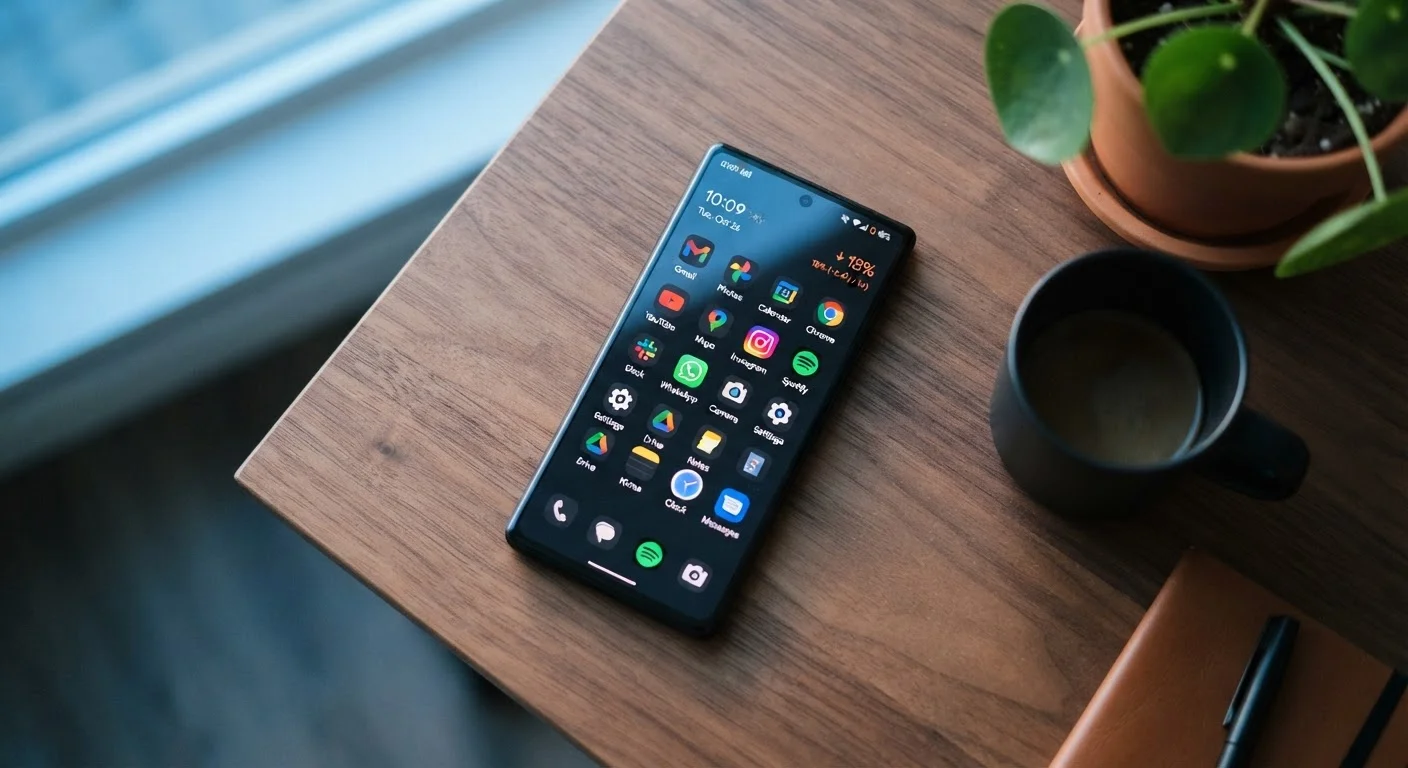
Photo: TargetReads.com | Explore Engaging Reads editorial
Key Takeaways
- Background app refresh keeps apps current by fetching data even when you're not using them.
- It can meaningfully reduce battery life and consume mobile data over time.
- Not all apps benefit equally — some need it, many don't.
- Both iOS and Android let you control this feature per app or globally.
- Disabling it for non-essential apps is a simple way to reclaim battery and data.
What Background App Refresh Actually Does
When you close an app on your phone, most people assume it simply stops running. In reality, many apps continue doing quiet work in the background — checking for new emails, syncing your calendar, pulling in the latest headlines, or updating your social feed. This is background app refresh at work.
The practical benefit is speed: when you reopen an app, its content is already there. No waiting for a feed to load or a map to render. The trade-off is that each of those silent data pulls consumes battery power and, if you're not on Wi-Fi, mobile data.
Understanding which apps genuinely need this feature — and which are refreshing needlessly — puts you in control of two of your phone's most finite resources.
Push Notifications Are a Separate System
The Real Cost: Battery and Data
Background app refresh isn't a single process — it's dozens of apps potentially running fetch cycles throughout the day. Each cycle wakes the processor, contacts a server, downloads data, and writes it to storage. Multiplied across many apps, this accumulates into a measurable battery drain.
~20%
Potential battery savings from limiting background activity
Device manufacturers including Apple have noted background activity as a significant contributor to battery consumption, with optimization capable of extending daily battery life noticeably.
Dozens
Apps refreshing silently on a typical smartphone
The average smartphone user has 40 or more apps installed, many of which default to background refresh enabled at installation.
Data consumption is the less obvious cost. A news app refreshing every 30 minutes, a shopping app checking for price drops, a weather app syncing hourly — individually these seem minor. Collectively, they can chip away at a limited data plan. This is particularly worth watching if you travel frequently or rely on a hotspot connection.
Android devices use a system called Doze mode to limit background activity when the phone is idle, and iOS uses usage pattern analysis to predict when you're likely to open an app next, refreshing just before that moment. These optimizations help, but they don't eliminate the cost entirely.
Which Apps Actually Need It
Not all background refresh is wasteful. Some app categories depend on it to function as intended:
- Messaging and email apps — Although push notifications handle most incoming alerts, background refresh ensures your inbox is fully synced when you open the app.
- Navigation and maps — Pre-loading map data or traffic conditions can make a real difference when you need directions quickly.
- Health and fitness trackers — Apps that log steps, heart rate, or sleep data often sync with connected devices in the background.
On the other hand, games, shopping apps, niche utilities, and apps you open only occasionally have little reason to refresh constantly. Turning off background refresh for these won't change your experience — you just might see a brief loading moment when you open them.
For a broader look at how apps request access to your phone's resources, see our guide to app permissions — it helps decode which requests are reasonable and which deserve scrutiny.
Start With Your Most-Installed Apps
How to Manage It on Your Device
The control settings are straightforward on both major platforms.
On iPhone (iOS)
Go to Settings → General → Background App Refresh. At the top, you can set a global preference: Off, Wi-Fi only, or Wi-Fi & Cellular. Below that, you'll see a toggle for every installed app. This per-app control is the most useful — it lets you keep refresh active for apps that matter and disable it for everything else.
On Android
Android handles this at the individual app level. Go to Settings → Apps, select an app, tap Mobile Data, and disable Background Data. For battery optimization, go to Settings → Battery → Battery Optimization and adjust which apps are restricted. The exact menu names vary slightly by manufacturer and Android version.
This kind of periodic settings audit pairs well with other routine phone hygiene — like reviewing forgotten app subscriptions you may no longer use. Apps you don't actively use have no good reason to refresh in the background.
For a wider set of phone security and settings practices, our everyday device security guide covers practical steps that don't require technical expertise.
Frequently Asked Questions
The content on this site is for informational purposes only and is not a substitute for professional advice. Always consult a qualified professional for guidance specific to your situation.