
Why Your Apps Keep Asking to Update — and When Skipping Is Actually Risky

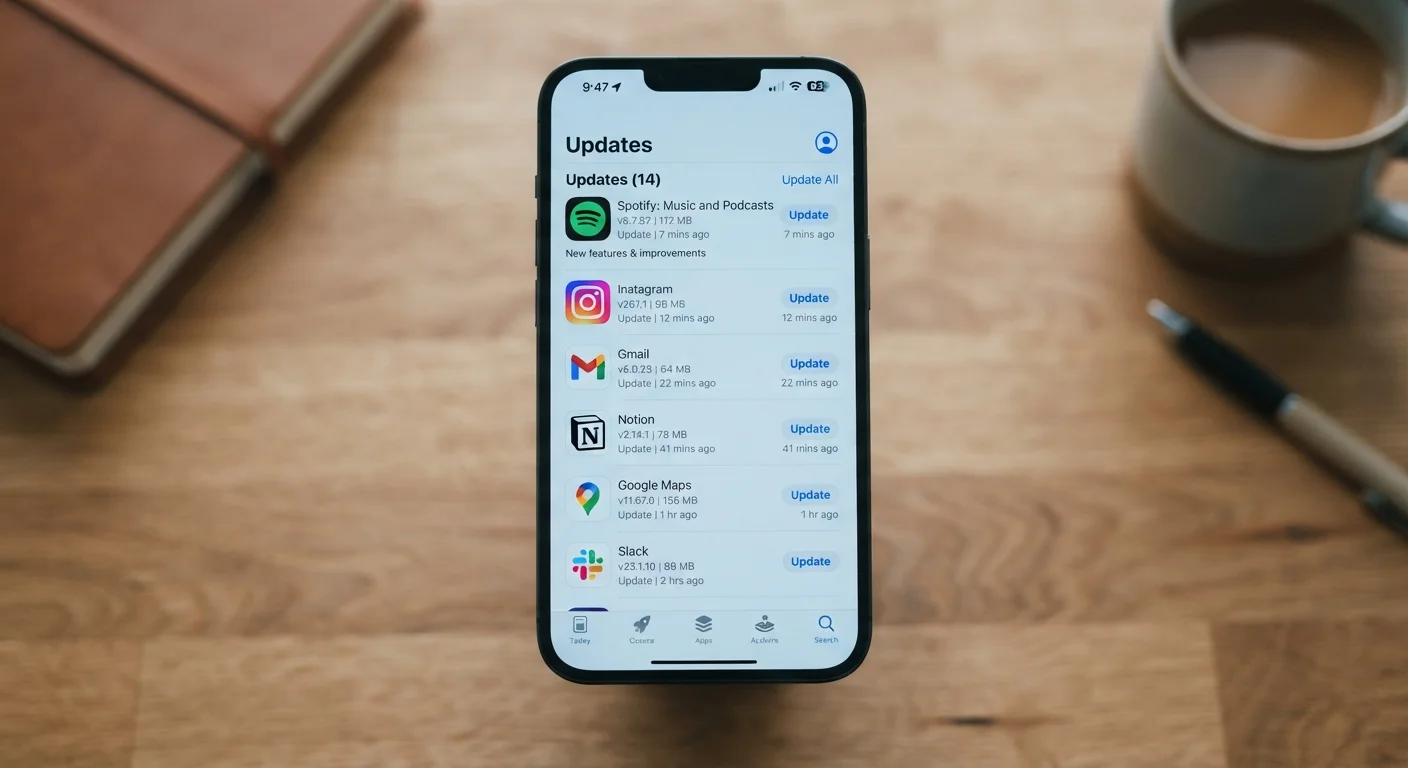
Photo: TargetReads.com | Explore Engaging Reads editorial
Key Takeaways
- Security patches fix real, documented vulnerabilities — skipping them leaves your device exposed.
- Not every update is urgent: feature updates and minor bug fixes carry lower risk if delayed briefly.
- Enabling automatic updates for most apps is a practical way to stay protected without daily effort.
- Apps that handle your financial or health data deserve the fastest update turnaround.
- Outdated apps can cause compatibility problems, crashes, and slower performance over time.
What's Actually Inside an App Update
When your phone shows that familiar badge — 12 pending updates — it's easy to dismiss them as minor housekeeping. In reality, those updates typically contain one or more of four distinct types of changes:
- Security patches: Fixes for specific vulnerabilities that could allow malicious actors to access your data, intercept communications, or gain device access.
- Bug fixes: Corrections for known errors causing crashes, display glitches, or incorrect behavior.
- Performance improvements: Code optimizations that make the app load faster, use less battery, or consume less memory.
- New features: Added functionality that expands what the app can do.
Understanding this breakdown matters because each category carries a different urgency level. A new feature can wait. A security patch often cannot.
Release Notes Are Worth a Quick Glance
When Skipping an Update Is Actually Risky
Skipping updates becomes genuinely risky when the update in question addresses a security vulnerability. Here's why: once a developer publishes a patch, the vulnerability it fixes often becomes publicly known. Security researchers, cybersecurity news outlets, and unfortunately, bad actors all monitor these disclosures. That means the window between a patch's release and active exploitation of the old vulnerability can be surprisingly short.
The apps most worth prioritizing for fast updates include:
- Banking and payment apps
- Email and messaging apps
- Password managers
- Health data apps connected to medical records
- Your device's operating system itself
Just as postponing routine care can allow small problems to quietly compound, delaying security updates on high-value apps lets known vulnerabilities sit open longer than necessary.
60%
Of breaches exploit known, patchable vulnerabilities
Industry cybersecurity analyses consistently find that a majority of successful attacks target vulnerabilities for which patches were already available but not yet applied.
Days
Typical window before known flaws are actively exploited
Security researchers have documented that exploitation of newly disclosed vulnerabilities can begin within days of public disclosure, underscoring the importance of timely patching.
When Waiting Is Reasonable
Not every update demands immediate action. Feature-heavy releases — the kind that redesign an interface or add new tools — occasionally introduce new bugs. Some users prefer to wait a few days after a major update ships to see whether other users report unexpected issues. This is a reasonable, measured approach for non-security updates.
Similarly, if you're in the middle of using an app for something time-sensitive, waiting until you're done to restart and update is sensible. The key is making sure you do update before too much time passes.
Set Security-Sensitive Apps to Auto-Update
For a broader look at how apps are structured and what different tiers include, see what free and paid app tiers typically offer.
How to Stay Updated Without the Hassle
The most practical solution for most people is enabling automatic updates — at minimum for apps in sensitive categories like banking, email, and security. Both iOS and Android allow you to set updates to install automatically over Wi-Fi, so they happen overnight without interrupting your day.
For those who prefer manual control, setting a weekly habit of opening your app store and reviewing pending updates takes just a few minutes. Checking release notes before installing takes only seconds and tells you whether you're looking at a security fix or a feature refresh.
Device security is a layered effort — updates are one important piece. Keeping your devices secure without a cybersecurity background covers complementary steps like password practices and key settings that reduce everyday risk.
Also worth knowing: frequent app updates can contribute to background data and battery usage. If you want to understand how your phone manages app activity, background app refresh and its effect on battery and data explains what's happening behind the scenes.
Frequently Asked Questions
The content on this site is for informational purposes only and is not a substitute for professional advice. Always consult a qualified professional for guidance specific to your situation.