
Everything Streaming Devices Do — and the Parts Most People Never Touch

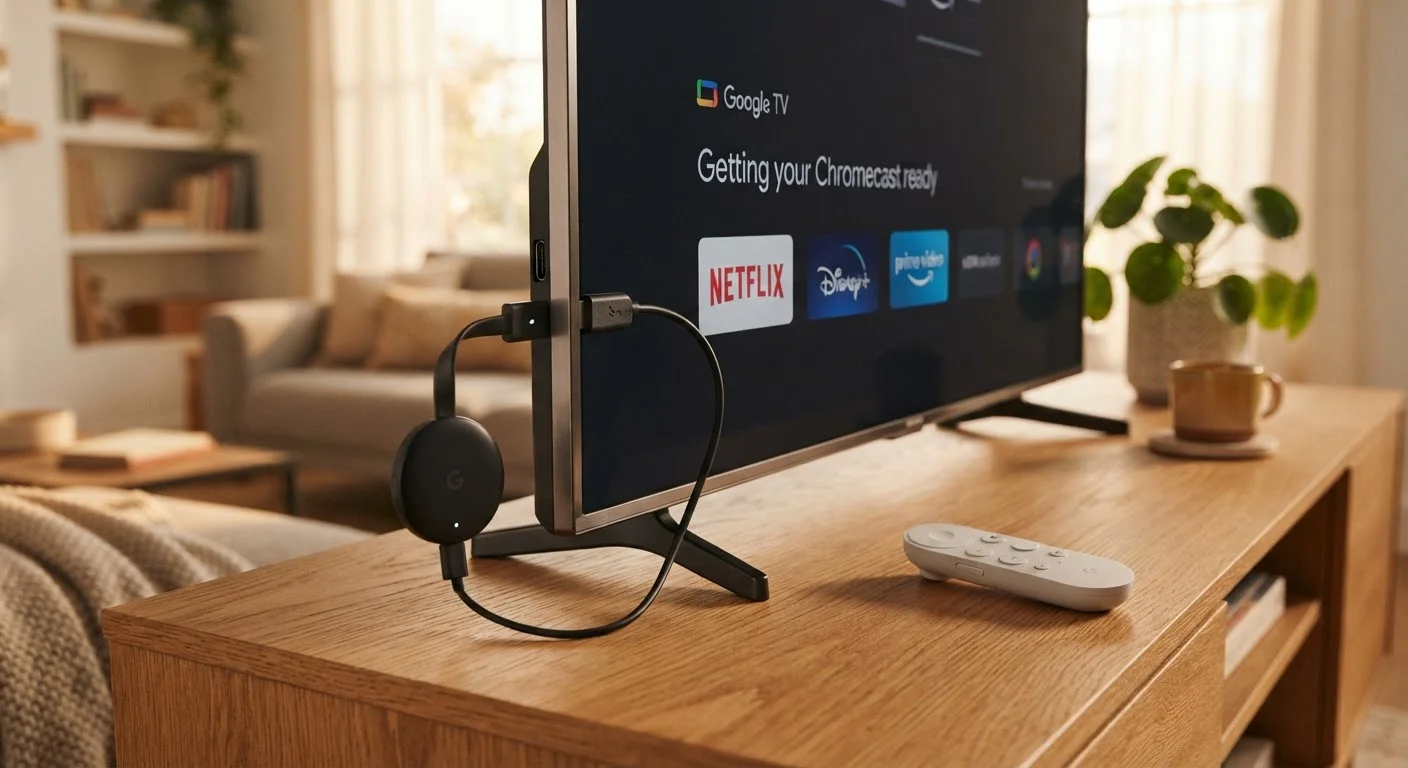
Photo: TargetReads.com | Explore Engaging Reads editorial
Key Takeaways
- Streaming devices are small computers that run apps, not just video players.
- Most users only use a fraction of available features like screen mirroring or voice search.
- Your home internet speed directly shapes streaming quality and reliability.
- Understanding what a device can do helps you decide whether you genuinely need one.
- Content libraries vary by streaming service due to licensing, not device limitations.
What a Streaming Device Actually Is
A streaming device — whether it's a compact stick that plugs into your TV's HDMI port or a small set-top box that sits on your entertainment console — is essentially a miniature computer purpose-built for your television. It runs its own operating system, connects to your home Wi-Fi, and launches apps the same way a smartphone does.
Unlike a smart TV's built-in software, a streaming device is a dedicated unit that typically receives more frequent updates and can be moved between TVs or taken to a hotel room. It handles all the processing for video playback, audio decoding, and app management independently of the screen it's connected to.
If you're new to gadgets in general, the beginner's guide to consumer gadgets offers useful grounding before going deeper here.
Core Features Everyone Uses
The obvious use case is launching streaming apps — services that deliver video on demand. You open an app, search for something to watch, and press play. That covers what most households do with their streaming device roughly 95% of the time.
Beyond video, most devices also support music and podcast apps. You can play audio through your TV's speakers or, if your TV supports it, route sound through a connected soundbar or receiver. Navigation is typically handled by a physical remote, though voice commands are built into most modern devices.
80%+
Streaming device owners using only basic playback features
Industry usability research consistently suggests a large majority of streaming device owners never explore system settings beyond launching apps.
25 Mbps
Recommended speed for HD streaming per device
General guidance from major streaming platforms suggests 15–25 Mbps per stream for reliable HD playback, with 4K requiring more.
3–5 years
Typical software support lifespan for streaming devices
Most streaming device platforms receive active OS updates for roughly three to five years before support tapers off.
Content availability within any given app is shaped by licensing agreements — not the device itself. The how content licensing shapes what you can watch article explains why the same show can disappear or appear across different services.
The Features Most People Never Touch
This is where streaming devices earn their full value — and where most households leave capability sitting unused.
Screen Mirroring and Casting
Most streaming devices can display whatever is on your phone, tablet, or laptop screen on your TV. This is useful for sharing photos, running a presentation, or watching something from a browser that doesn't have a dedicated app. The feature goes by different names depending on the ecosystem — casting, mirroring, or wireless display — but the function is the same.
App Stores and Sideloading
Streaming devices run app stores, much like a smartphone. Many users don't realize they can install fitness apps, games, web browsers, or productivity tools. Some platforms allow installing apps from outside the official store, which expands options further for users comfortable with that process.
Accessibility Settings
Closed captioning, text magnification, screen readers, and audio description tracks are built into most streaming devices at the system level — meaning they apply across all apps, not just one. These settings are often buried in system menus and overlooked by users who could genuinely benefit from them.
Parental Controls
Streaming devices typically offer PIN-protected content restrictions, app blocking, and purchase controls at the device level, separate from any controls within individual streaming apps.
Before assuming your streaming device can't do something, check the app store — a dedicated app often exists for tasks you'd otherwise think require a separate gadget.
Set up system-level accessibility options once, right after setup, rather than hunting for them app by app — they apply universally and save time later.
For a structured way to evaluate whether any of these features matter to your actual life, see whether a gadget solves a real problem.
How Connectivity Affects the Experience
A streaming device is only as capable as the internet connection feeding it. Buffering, dropped resolution, and audio sync problems are almost always a network issue, not a device defect. Streaming HD video typically requires a stable connection of around 5–25 Mbps depending on quality level, and 4K content can demand considerably more.
Slow Internet Affects the Device, Not the App
Shared bandwidth is also a factor. If several devices in your home are active simultaneously, each one draws from the same pool. The guide to bandwidth for everyday internet users walks through how that pool is divided and what it means for streaming quality.
Most streaming devices support both 2.4 GHz and 5 GHz Wi-Fi bands. The 5 GHz band offers faster speeds over shorter distances, while 2.4 GHz carries further but at lower throughput. Placing your router closer to the device — or using a wired Ethernet adapter if your device supports one — can meaningfully improve reliability. For broader home connectivity questions, the Internet & Connectivity hub covers these topics in depth.
Is a Streaming Device Right for You?
A streaming device makes the most sense in three scenarios: your TV lacks built-in smart features, your TV's built-in software is slow or no longer updated, or you want to standardize the experience across multiple screens in your home.
It makes less sense if your current TV's software already runs all the apps you use smoothly, or if you're buying one primarily for features you're unlikely to actually use. The framework for evaluating gadgets can help you work through that question honestly.
If you're considering one as a gift, the practical checklist for gifting gadgets covers account setup requirements, compatibility with existing TVs, and return policy considerations worth checking before wrapping anything up.
“The gap between what a device can do and what its owner actually uses is often larger for streaming players than almost any other consumer electronics category.”
— Consumer Technology Association, Industry research and advocacy organization for the U.S. consumer technology sector
The Apps & Software hub is also worth bookmarking — it covers the platforms and digital services that actually run on these devices and make them useful day to day.
The content on this site is for informational purposes only and is not a substitute for professional advice. Always consult a qualified professional for guidance specific to your situation.