
Download Speed vs. Upload Speed: What Each One Actually Affects

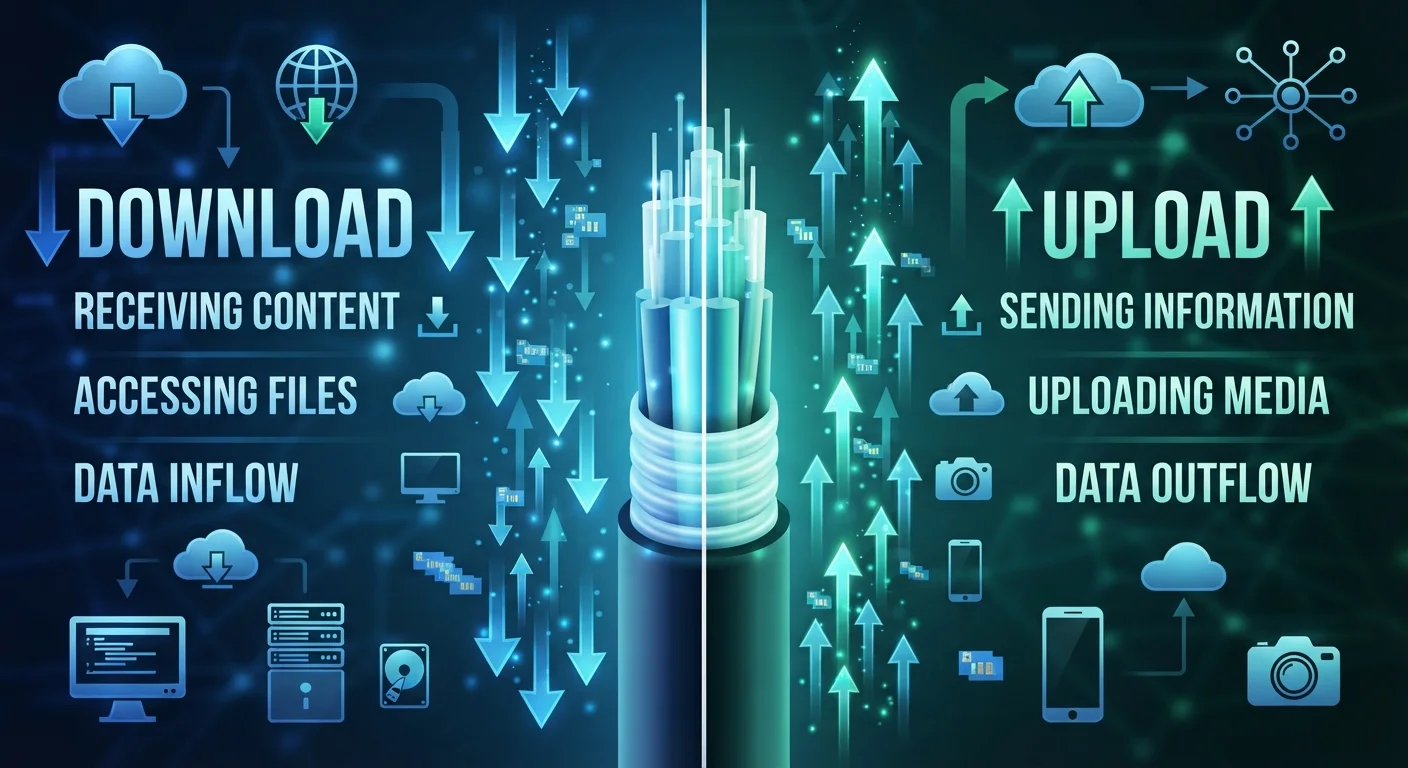
Photo: TargetReads.com | Explore Engaging Reads editorial
Key Takeaways
- Download speed controls how fast data arrives at your device; upload speed controls how fast data leaves it.
- Most home internet plans offer significantly faster download speeds than upload speeds.
- Video calls, remote work, and cloud backups are heavily dependent on upload speed.
- Fiber internet typically provides more balanced upload and download speeds than cable.
- If your connection feels slow during calls or file sharing, upload speed is often the culprit.
The Basic Difference: Which Direction Is Data Traveling?
Every action you take online moves data in one of two directions. Download speed measures how quickly data travels from the internet to your device. Upload speed measures how quickly data travels from your device to the internet. Both are measured in megabits per second (Mbps).
When you open a YouTube video, your device downloads the video stream. When you send an email with an attachment, your device uploads that file to a mail server. Most online activity involves both directions simultaneously — a video call, for instance, downloads the other person's feed while uploading your own.
Understanding how bandwidth works helps put both numbers in context: bandwidth is the total capacity of your connection, and upload and download each draw from that capacity in their respective directions.
| Criterion | Download Speed | Upload Speed |
|---|---|---|
| Data direction | Internet → your device | Your device → internet |
| Primary use cases | Streaming, browsing, app loading | Video calls, backups, file sharing |
| Typical home plan allocation | Higher (e.g. 100–500 Mbps) | Lower (e.g. 10–50 Mbps) |
| Fiber vs. cable balance | Fast on both connection types | Much faster on fiber |
| Noticeable when slow | Videos buffer, pages load slowly | Calls freeze, uploads stall |
| Affected by congestion | Yes — especially during peak hours | Yes — often more severely on cable |
Why Download Speed Gets All the Attention
Internet service providers typically advertise download speed because it dominates most consumer use cases. Streaming a 4K video requires roughly 25 Mbps of sustained download speed. Loading websites, downloading software updates, and receiving email attachments are all download-driven activities.
For a household running several streaming devices simultaneously, download speed genuinely matters. But the emphasis on download figures in marketing has led many people to overlook upload entirely — and that becomes a problem the moment their usage patterns shift.
~10:1
Typical cable download-to-upload speed ratio
Many cable internet plans deliver download speeds roughly ten times faster than upload speeds, according to FCC Fixed Broadband Deployment data.
25 Mbps
FCC minimum broadband download standard
The FCC has historically defined basic broadband as 25 Mbps download and 3 Mbps upload, though its updated definitions raise these thresholds significantly.
3–5 Mbps
Upload speed needed for HD video calling
Most video conferencing platforms recommend at least 3–5 Mbps upload for stable HD group calls, per their published technical requirements.
It's also worth noting that most cable internet plans are asymmetric — meaning upload speeds may be a fraction of download speeds. A plan advertised as "200 Mbps" might deliver only 10–20 Mbps upload. Fiber connections tend to be more balanced. See how those technologies compare in our piece on fiber vs. cable internet differences.
When Upload Speed Becomes the Bottleneck
Upload speed becomes the limiting factor in several common scenarios that have grown increasingly relevant for everyday users:
- Video calls: Platforms like Zoom or FaceTime require a steady upload stream of your video and audio. A constrained upload causes pixelation, freezing, or audio dropouts on the other end.
- Remote work: Sharing screens, uploading documents to shared drives, and participating in collaborative tools all rely on outbound data.
- Cloud backups: Services that automatically back up your photos or files are working against your upload speed. Understanding what happens when you upload files to the cloud clarifies why this process takes as long as it does.
- Live streaming: Broadcasting gameplay or video to platforms like Twitch or YouTube Live requires a consistent, high upload rate to maintain stream quality.
If any of these activities feel sluggish on your connection, test your upload speed separately using a speed-test tool — not just the download figure your provider advertises.
Reading Your Speed Test Results Accurately
A standard speed test reports three values: download speed, upload speed, and latency (also called ping, measured in milliseconds). Latency reflects how quickly your connection responds to a request — separate from how much data it can move.
A useful rule of thumb: for general home use, a download speed of 25 Mbps per active user and an upload speed of at least 5–10 Mbps per active video call covers most needs. Heavy cloud users or remote workers sharing large files regularly may benefit from higher upload figures.
Many common speed assumptions don't hold up under scrutiny. Our article on internet speed myths walks through why higher Mbps numbers don't always translate to a noticeably better experience.
Also keep in mind that both speeds can be affected by data caps, network congestion, router placement, and the number of devices sharing your connection simultaneously.
Speed Tests Reflect a Moment in Time
The content on this site is for informational purposes only and is not a substitute for professional advice. Always consult a qualified professional for guidance specific to your situation.