
Common Gadget Setup Mistakes That Cause Problems Down the Line

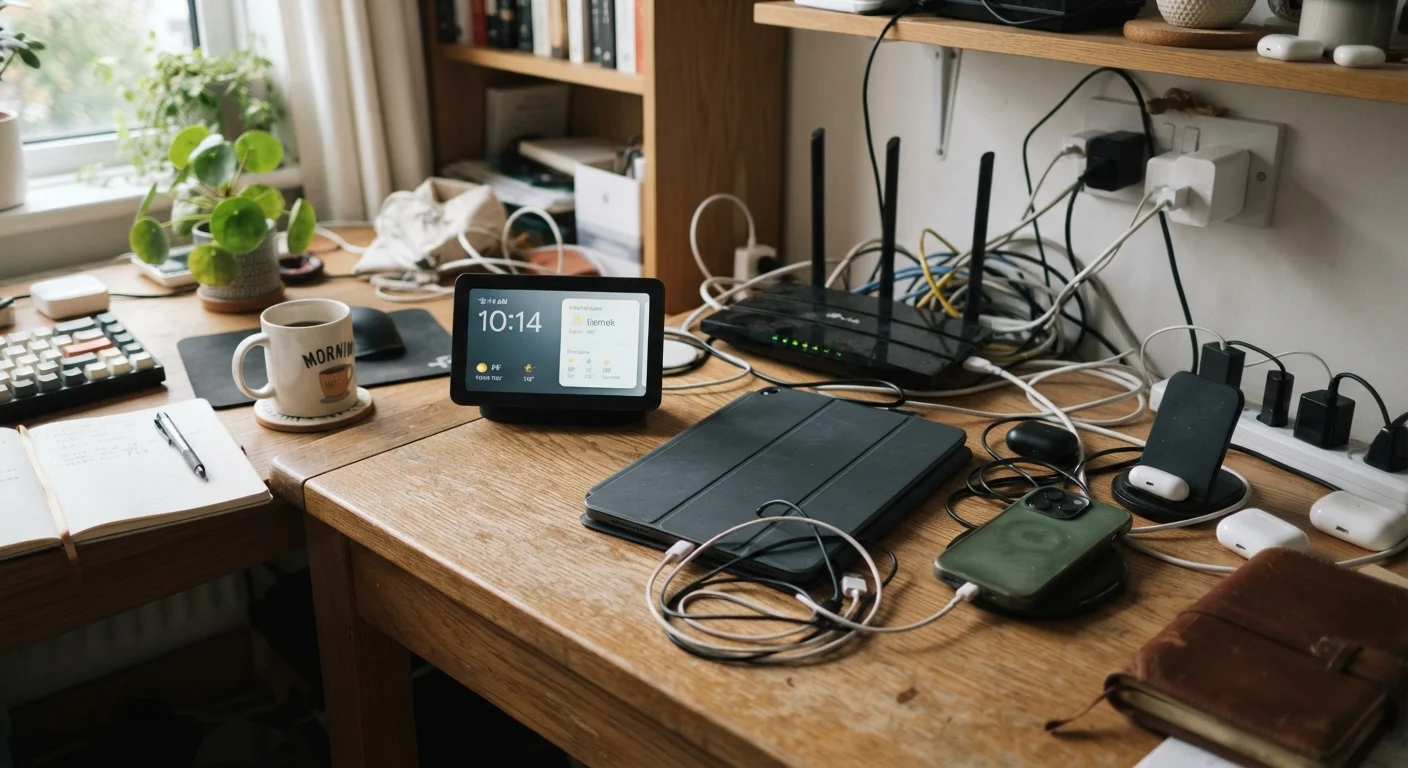
Photo: TargetReads.com | Explore Engaging Reads editorial
Key Takeaways
- Skipping firmware updates during setup leaves devices vulnerable and can cause compatibility problems.
- Using weak or recycled passwords on new gadgets is one of the most common and avoidable security mistakes.
- The wrong charger or cable can silently damage a device's battery over time.
- Choosing incompatible ecosystems at setup locks you into limitations that are difficult to undo later.
- Skipping account recovery options means a forgotten password can make a device permanently inaccessible.
Why Setup Decisions Have a Long Tail
The first fifteen minutes with a new gadget set the foundation for how well it performs and how secure it is for years to come. Yet most people rush through setup screens, skip prompts, and plug in whatever charger is nearby. These shortcuts feel harmless in the moment — but they can lead to sluggish performance, security exposure, or a device that simply doesn't fit into daily life.
If you've ever handed a device to someone less familiar with technology, check through the setup requirements before wrapping it — the same principles apply whether the gadget is for yourself or someone else. Understanding what goes wrong during setup — and why — helps you avoid problems that compound over time.
The Most Common Gadget Setup Mistakes
The errors below appear across all types of consumer devices, from smartphones and tablets to smart home hardware and wireless routers. Each one is easy to avoid once you know what to watch for.
Skipping firmware and software updates during initial setup.
Using a weak, default, or reused password for the device or its linked account.
Using an incompatible or low-quality charger or cable.
Locking into an ecosystem without considering compatibility with existing devices.
Skipping account recovery setup, such as backup email or recovery codes.
Weak Passwords Put Every Device at Risk
Beyond account security, physical setup choices matter just as much. Many battery problems and performance issues trace back to decisions made during the first few days of ownership — particularly around charging habits.
Wrong Chargers Can Cause Long-Term Battery Damage
Ecosystem compatibility is another area that catches users off guard. A smart speaker, smart lock, or streaming device may work flawlessly in isolation but fail to integrate with the platform the rest of your home runs on. Our home network setup guide covers how to think about device compatibility before you commit to a platform.
Building Better Habits From Day One
The good news is that most setup mistakes are entirely preventable with a few deliberate pauses in the process. Taking ten extra minutes to run updates, set a strong password, verify charger compatibility, and configure account recovery options costs little time but pays dividends in device longevity and security.
57%
Users who never change default device passwords
Security research has repeatedly found that a majority of consumers leave smart home device credentials at factory defaults, creating persistent network vulnerabilities.
~30%
Battery capacity lost from chronic incorrect charging
Device hardware studies have indicated that sustained use of incompatible or low-quality chargers can accelerate battery degradation, reducing usable capacity noticeably within one to two years.
If any of this feels technically overwhelming, it doesn't have to be. Our beginner's introduction to consumer gadgets walks through core concepts in plain language. For readers who want to go deeper on protecting their devices after setup, securing your home network is a practical next step. Getting setup right the first time reduces the chance your new device ends up forgotten — if you're curious about why gadgets get abandoned, this piece on junk drawer gadgets is worth a read.
The content on this site is for informational purposes only and is not a substitute for professional advice. Always consult a qualified professional for guidance specific to your situation.